


Paytrail Payment Gateway
This module enables the Paytrail payment method for eCommerce users .
Table of contents
APPLICATION HIGHLIGHTS [back]
One more Payment method integrated in Odoo eCommerce.
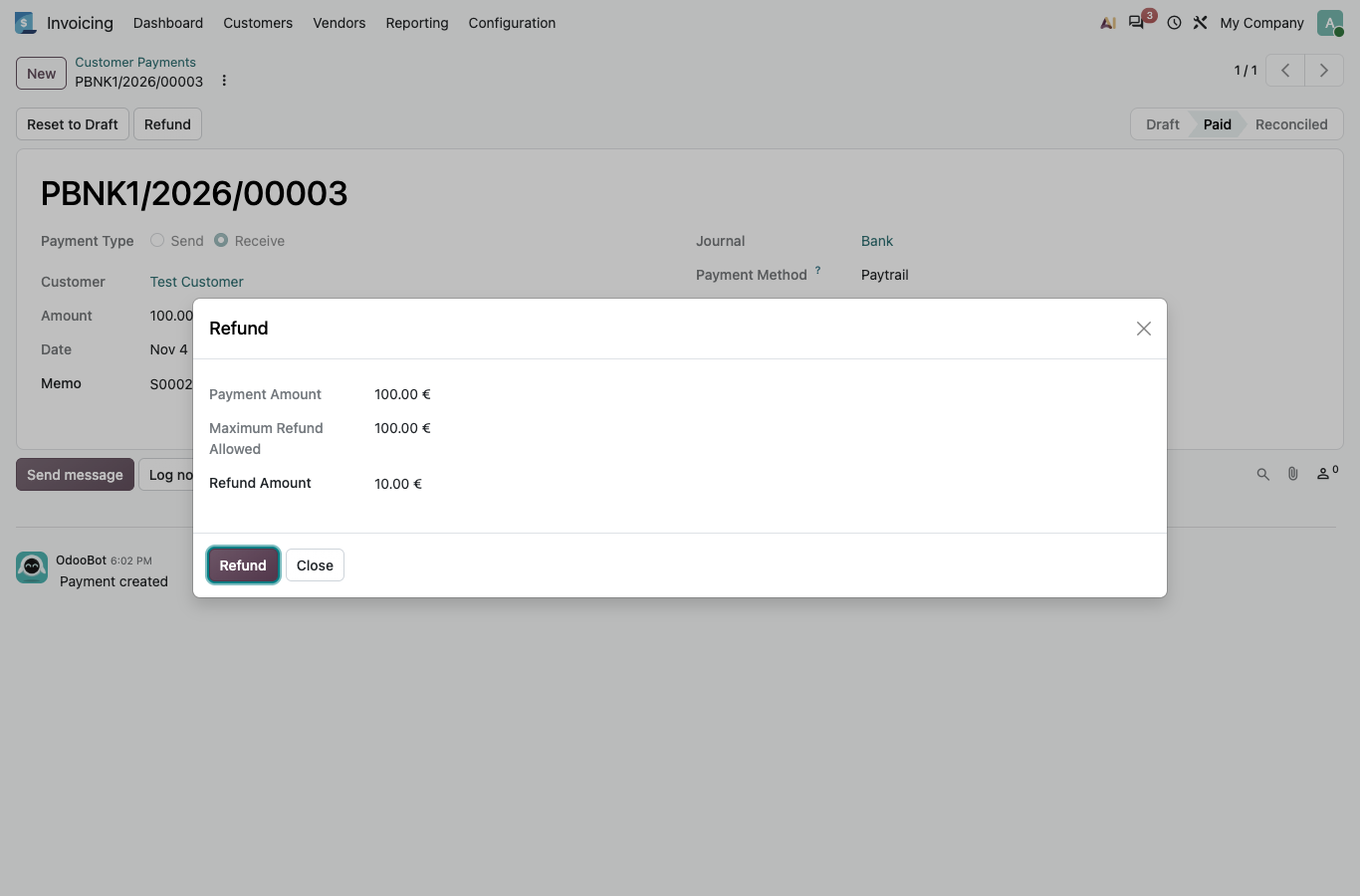
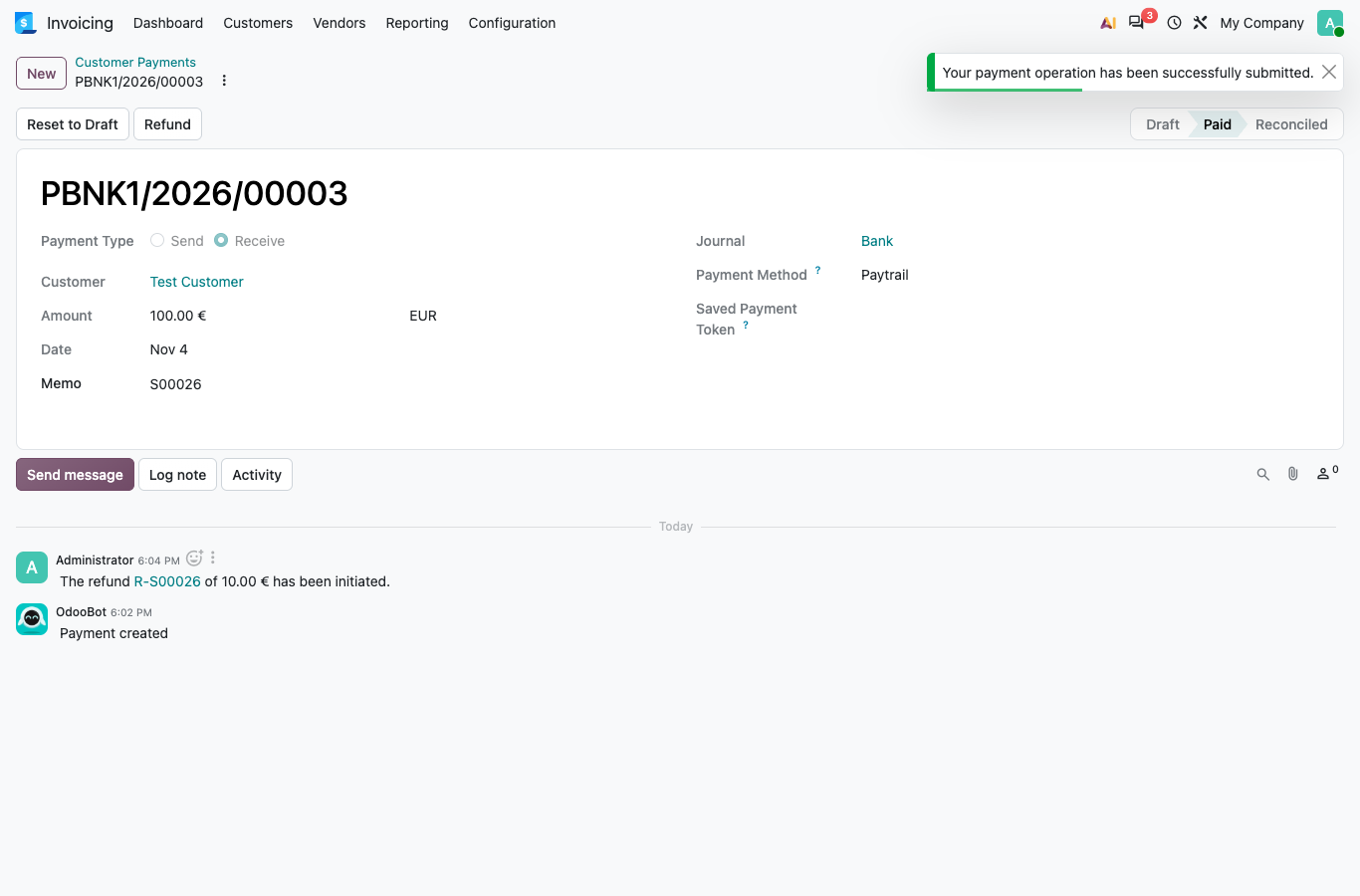
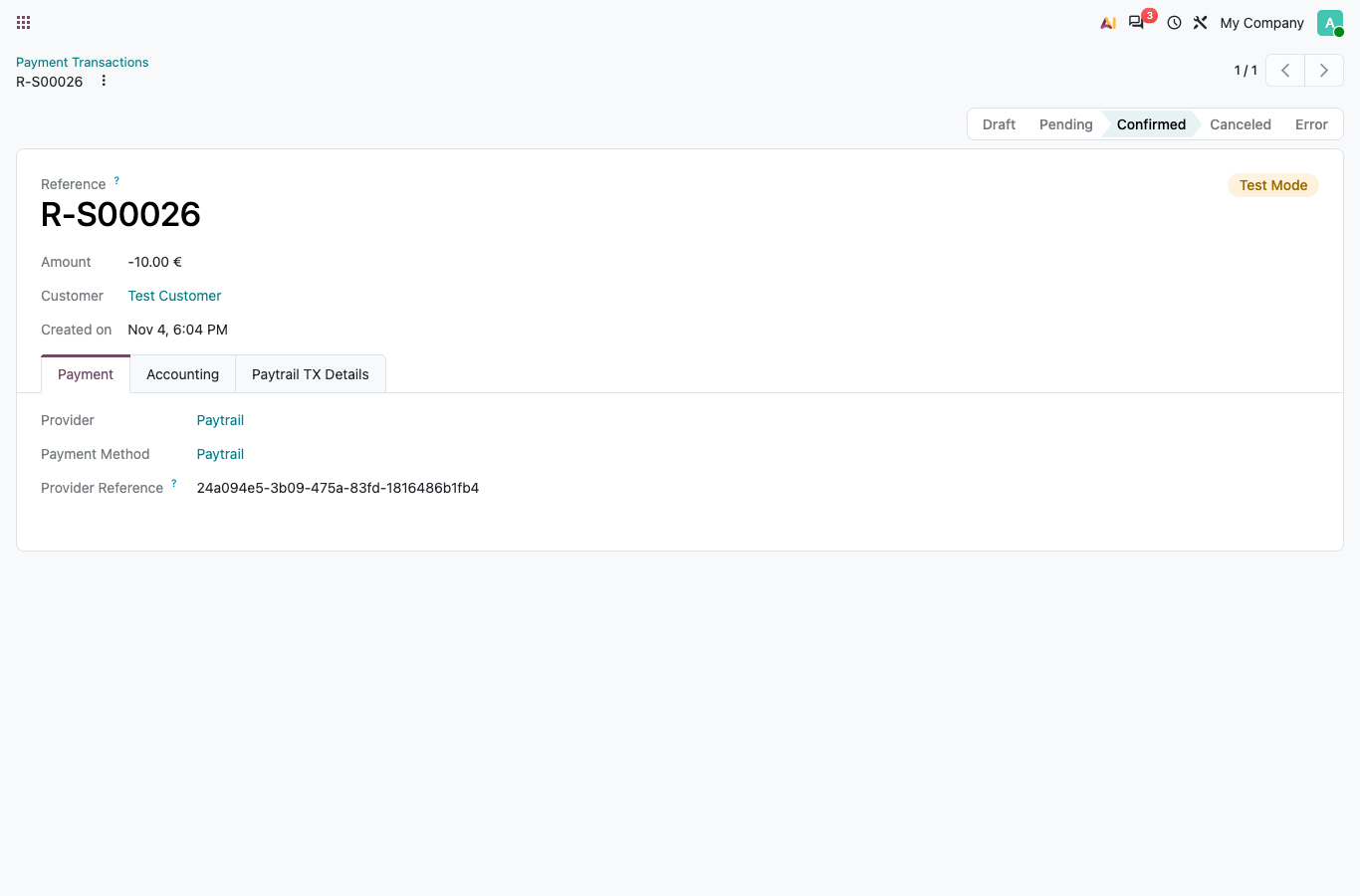
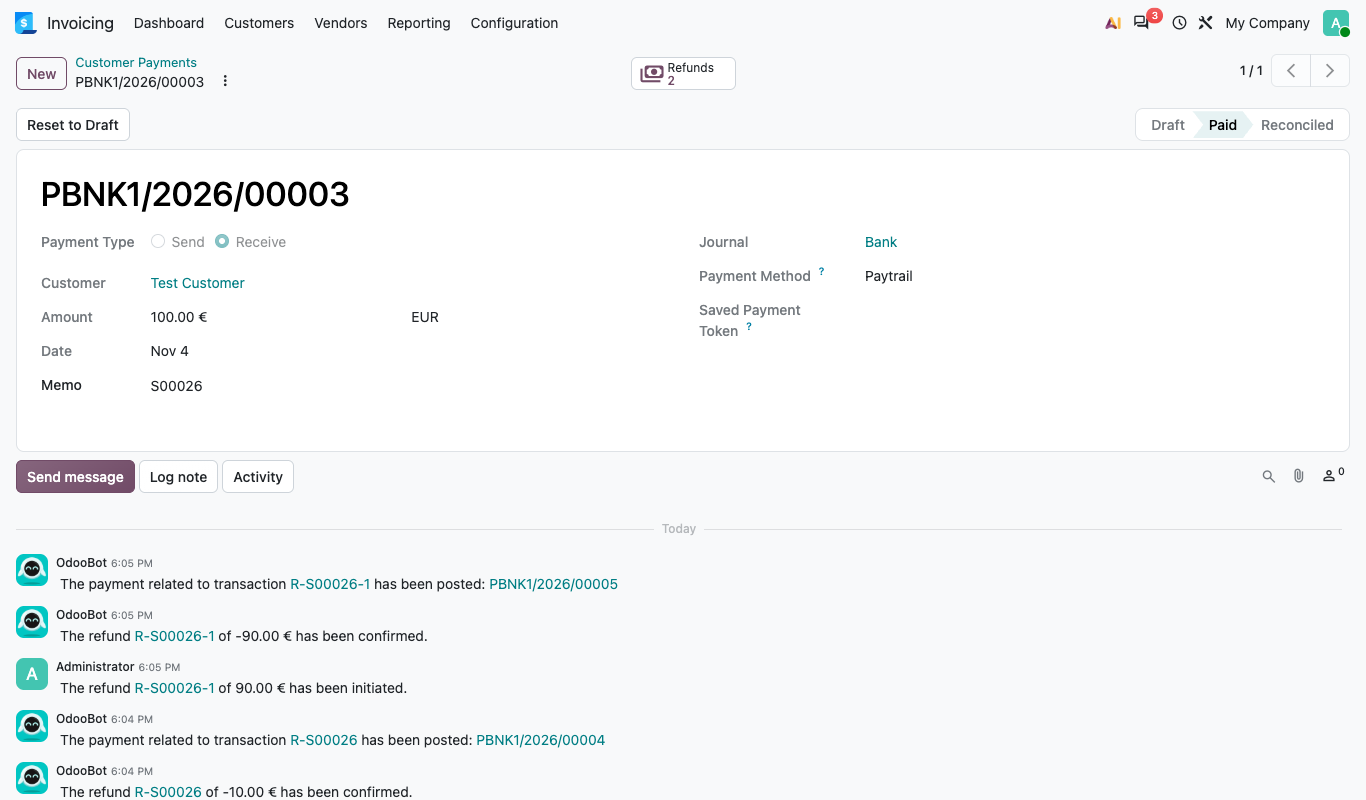
Full and partial refunds can be made from Odoo, without the website module.
FUNCTIONALITY [back]
Configure Paytrail with the Merchant ID and Secret Key from your Paytrail merchant account. Fill them in on the Configuration tab of the Paytrail payment provider.

After making configuration, Go to the Odoo eCommerce shop and add a product. On Payment page you can see Paytrail option.

After clicking on the Pay now button, the customer is directed to the Paytrail payment page, where the list of Paytrail payment methods is shown.


After successful payment from paytrail side it will automatically redirected to odoo payment success page.

Paytrail also gives facility to pay later with Walley (formerly Collector) and Klarna,
Select Walley or Walley business invoice (Walley yrityslasku) from the Paytrail payment options.


User can pay on paytrail directly on online quotation / online invoices with portal access.


Refunds
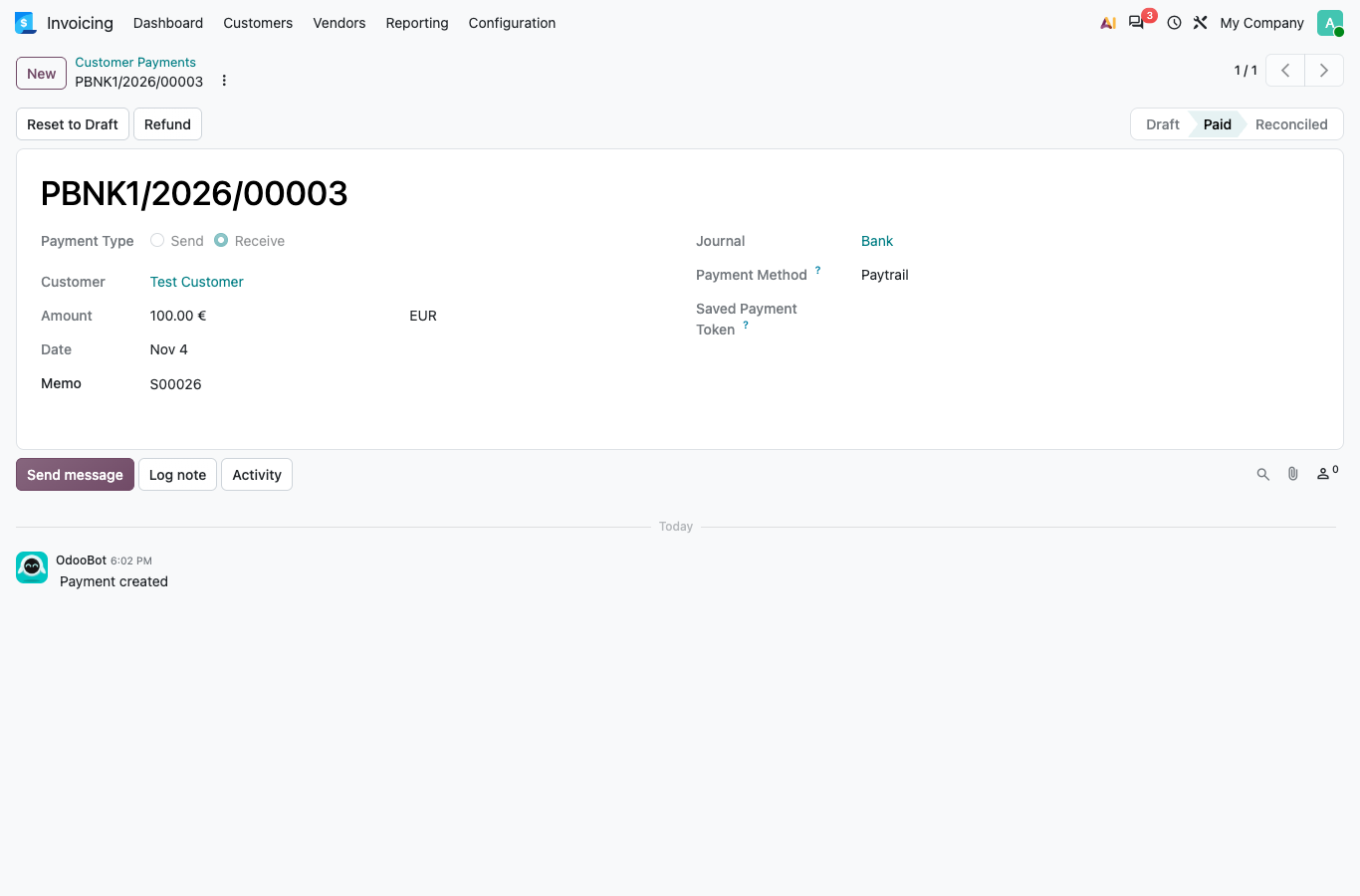
Refunds are made in Odoo, not on the website. The website module is not needed, and a payment made in the web shop, the portal or on an invoice is refunded the same way.
Open the payment and click the Refund button.
SprintIT improves its customers' competitiveness and growth potential with Odoo.
We constantly develop new Odoo modules to help our customers run their business more smoothly and efficiently.
We regularly publish our new modules in the Odoo App Store.
SprintIT brings together agility, business understanding and a professional way of working.
Our skilled developers can tailor Odoo to meet your needs.
Read more.

We are the first Odoo Gold partner in Finland. We are renowned for our professional developers and we want to tailor the ERP solution for you.